
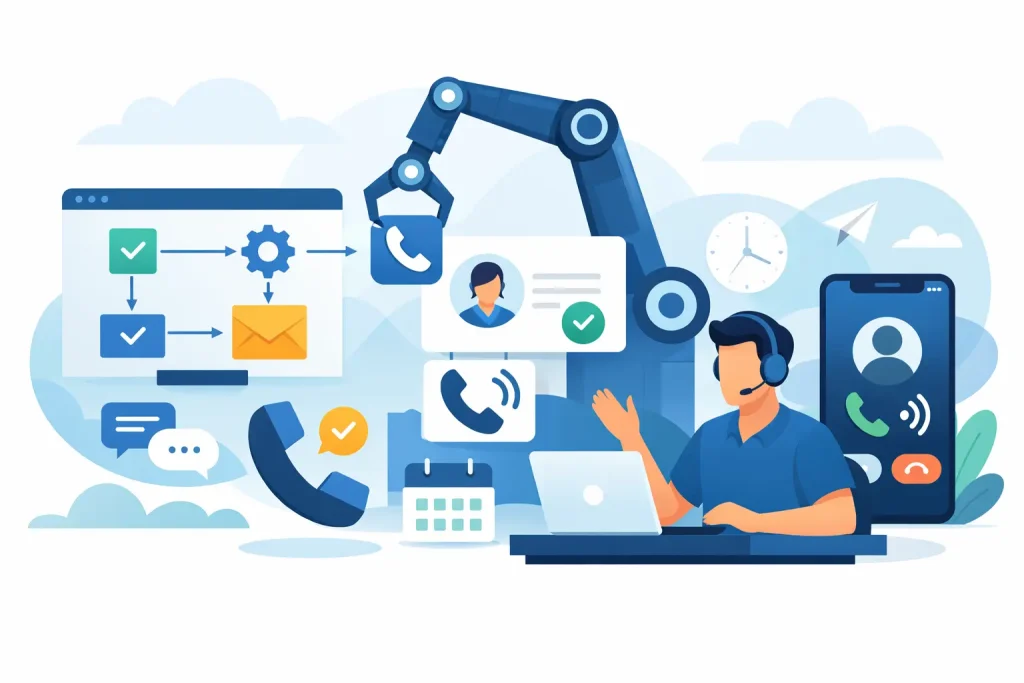
A lead who submits a form at 9:12 p.m. is not waiting for your office to open. They are comparing providers, reading reviews, and often contacting the next business before your team sees the notification. GoHighLevel workflow automation closes that gap by turning a new inquiry into an immediate, organized follow-up process that keeps moving until the prospect books, replies, or is clearly disqualified.
For service businesses, that matters more than another dashboard or another marketing tool. A spa needs consultations filled. A home service company needs estimates booked. A counselor needs the right inquiry routed with care. A B2B consultant needs qualified decision-makers on the calendar, not a spreadsheet full of cold leads. The workflow is what connects the initial interest to a real sales opportunity.
What GoHighLevel workflow automation actually does
A workflow is a set of rules that tells your CRM what should happen after a contact takes an action. That action might be filling out a form, replying to an SMS, missing a call, scheduling an appointment, clicking an email, or reaching a certain stage in your pipeline.
The value is not simply sending automated messages. Effective automation makes decisions based on what the lead does next. If they book, the system should stop promotional follow-up and send confirmation details. If they reply with a question, the conversation should be assigned to the right person or handled by an AI agent within approved boundaries. If they do not respond, the system should continue nurturing them without making the messages feel repetitive or careless.
This is why a workflow should be designed around your sales process, not copied from a generic template. The automation has to reflect your offer, your response capacity, your qualification criteria, and the point at which a human conversation creates the most value.
Start with the revenue leak, not the software
Most businesses do not need more automation everywhere. They need automation where leads are slipping away.
For one company, the problem is slow speed-to-lead after a paid ad form submission. For another, it is no-show appointments that waste the sales team’s calendar. A beauty clinic may have inquiries asking about pricing but never receiving a clear next step. A home service provider may lose jobs because calls after business hours go unanswered. Each issue requires a different workflow sequence.
Before building anything, map the path from lead source to booked call or sale. Identify where the handoff breaks down: ad to landing page, form to first response, conversation to qualification, qualification to booking, or booking to attendance. That diagnosis prevents a common mistake: building complex automations that look impressive but do not improve conversion.
Define what a qualified lead means
Automation can only qualify leads properly when the criteria are clear. A high-ticket wellness program may require location, budget range, service need, and availability. A B2B agency may need company size, decision-maker status, current challenge, and timeline.
Do not ask for every detail upfront just because the form can hold more fields. Long forms can reduce submissions, especially from mobile traffic. Capture the information needed to start a useful conversation, then use SMS, email, AI chat, or a booking flow to gather additional context. The right balance depends on lead volume and how much sales time an unqualified call costs your business.
The core workflows that protect more opportunities
A dependable GoHighLevel workflow automation system usually includes several connected sequences rather than one giant campaign. Each sequence has one job and clear exit conditions.
Instant lead response
When someone submits a form or messages your business, the first response should arrive within minutes, not when someone eventually checks the CRM. A concise SMS can acknowledge the request, confirm what happens next, and invite a reply or booking. An email can provide more context, social proof, or preparation details.
The best first message does not try to close the entire sale. It creates momentum. For example, a prospect requesting a consultation should receive a direct question that helps the business understand their need, plus a simple calendar option if they are ready to speak.
If your business uses an AI agent, it should be trained on your services, availability rules, qualification questions, and escalation process. AI can handle repetitive early-stage conversations well, but it should not invent prices, make clinical claims, or handle sensitive cases without defined guardrails.
Multi-channel follow-up
One unanswered text is not proof that a lead is uninterested. People get busy, miss notifications, and postpone decisions. A structured follow-up sequence can use SMS for urgency, email for detail, and calls or task assignments for high-intent leads.
Timing matters. The first few follow-ups should be closer together because interest is highest immediately after inquiry. Later messages should become less frequent and more useful. Instead of repeatedly asking, “Are you still interested?” send an answer to a common objection, a reminder about a limited appointment window, or a practical explanation of what the consultation includes.
There is a trade-off here. Too little follow-up leaves money on the table. Too much, especially through SMS, can damage trust and create opt-outs. Use reasonable frequency, honor consent, and stop or change the sequence when a contact replies, books, opts out, or becomes an active customer.
Appointment confirmation and no-show reduction
A booked call is a milestone, not the finish line. Every appointment should trigger a confirmation message, calendar details, and any information the prospect needs before the call. For consultations that require preparation, include a short intake form or clear instructions.
Reminder workflows are particularly valuable for high-volume local services. A reminder one day before and another shortly before the appointment can reduce missed calls without adding manual admin. If a prospect cancels, the workflow should offer rescheduling rather than letting the opportunity disappear.
For no-shows, the tone should remain helpful. A message that recognizes schedules change and offers a new booking link often performs better than a guilt-driven reminder. The goal is to recover the opportunity while protecting your team’s time.
Pipeline movement and sales-team alerts
Your CRM pipeline should show where each lead is: new inquiry, contacted, qualified, booked, attended, proposal sent, won, or lost. Workflows can move contacts between stages based on real behavior and notify your team when attention is needed.
For example, a high-value lead who replies to an SMS but does not book may trigger an immediate call task. A lead who completes a detailed application can be assigned to a closer. A prospect who books can be tagged by service interest so the salesperson sees the right context before the conversation.
This is where automation improves accountability. It does not replace your sales process. It makes sure the process is visible, repeatable, and less dependent on someone remembering what to do next.
Build for exceptions, not just the happy path
Many workflows work perfectly in a demo because they assume every lead follows one neat route. Real prospects do not. They reply after the third reminder, book through a different calendar, submit a duplicate form, ask for a human, or choose a service that is not currently available.
Your workflow needs safeguards for those moments. Add stop conditions so booked contacts do not keep receiving booking prompts. Use duplicate-contact rules to avoid sending the same sequence twice. Create internal alerts for messages that need a person. Separate new leads from existing customers so your communication stays relevant.
Testing is not optional. Submit a test form, reply from a real phone number, book an appointment, cancel it, and let reminders run. Check every message on mobile. Confirm the pipeline changes correctly. Then review live data after launch. A workflow can be technically active while still losing conversions because a calendar link is confusing or a qualification question creates friction.
Measure outcomes that affect revenue
Open rates and workflow enrollment numbers can be useful diagnostics, but they are not the main scorecard. Track how quickly new leads receive a response, the percentage who engage, qualified lead rate, booking rate, show rate, and the percentage of attended calls that convert into revenue.
Compare performance by lead source as well. A Meta lead, Google search lead, referral, and website inquiry may need different messaging and qualification paths. If one source produces lower-quality bookings, the answer may be better pre-qualification, not simply more follow-up.
FZFunnel approaches GoHighLevel workflows as part of the full lead-to-booked-call system: traffic, landing page, CRM, AI or human response, nurture, and calendar conversion. That connected view is what prevents businesses from paying for leads that never receive a meaningful next step.
Keep the human experience in the system
The strongest automation feels organized, timely, and personal because it is built around what the prospect needs at each stage. It gives an interested lead a fast answer, gives a busy prospect a useful reminder, and gives your team the context to have better sales conversations.
Start with the one leak costing you the most opportunities. Fix it, measure the change, then build the next workflow around the next bottleneck. A reliable system does not just save administrative time. It gives every serious prospect a clear path from interest to a conversation worth having.